
CRM
Clean-Up
Turn a messy CRM into a list of who to call this week.
It's a Claude plugin. It finds the duplicates, broken names and missed follow-ups, fixes the mess 20 at a time with your yes, and sorts every contact into the right segment.
- Works with any CRM: Follow Up Boss, Lofty, BoldTrail/kvCORE, Sierra, even a spreadsheet
- Nothing changes without your yes, and every change can be undone
- Up to 10 people to call this week, each with a real reason
Add the Campaign Vault at checkout.
It lives in my free Skool community.
 Skyleigh McCallum · 8× Icon Agent · 425 homes sold · Still selling
| Now | Will be | |
|---|---|---|
| MARK CHEN | Mark Chen | |
| Patel, Priya | Priya Patel | |
| tom baker | Tom Baker | |
| SMITH, JANE | Jane Smith | |
| + 16 more in this batch | ||
What CRM Clean-Up does
Every CRM gets messy. Duplicates, old lead notifications, people you forgot were even in there. You type “clean up my CRM” and Claude walks you through it, one step at a time.
- Look
A backup copy, then a snapshot
Claude saves a copy of all your contacts first. Then you see how many you have, who has a phone or email, when you last really talked to people, and which past clients are missing a birthday or move-in date.
- Find
Find the mess
Duplicates, broken names, notification records, and other agents, lenders and vendors mixed in with your clients. Contacts with no phone or email, numbers and emails that can't work, follow-ups you missed. Nothing changes yet.
- Fix
Fix it 20 at a time
You see every change before it happens and say yes per batch. Every change is logged so it can be undone. Nothing gets deleted unless you ask.
- Check
Check your email and texts (optional)
Claude looks for real birthdays, move-in dates and missing numbers in your messages, and shows you where it found each one.
- Sort
Sort everyone into a segment
New, Hot, Warm, Lukewarm, SOI / Past Client or Long-Term Nurture, and tagged to match. The same segments my campaigns run on.
- Call
Your call list for this week
Up to 10 people with a real reason to call now.
What you need
- A paid Claude plan
- The Claude desktop app
- Your CRM login. You sign in yourself.
Claude never sends a message and never asks for your password. A monthly health check is included too, so it stays clean.
Most leads aren't lost to another agent. They're lost to silence.
I feel like every agent knows this one. You're super on it for the first few days. Then a deal gets messy, a listing launches, the kids get sick... and the leads you worked so hard for go quiet.
Not because you don't care. Because nothing was holding the follow-up while you were busy.
- Day 3You've called twice. They haven't called back.
- Day 40You can't remember what you said to them last.
- Month 7They're ready. They call whoever kept showing up.
A clean CRM only pays off if the follow-up runs. My campaigns are what hold it for me.
Add the Campaign Vault at checkout
The exact follow-up I run in my own business. Every text, email and call, with the day it goes out. Copy them into any CRM, or let the Campaign Installer load them for you.
- Six advanced layering campaigns plus my lesson on how they layer
- The Campaign Installer, a Claude plugin that loads them into your CRM
- 10 bonus campaigns, my gift to you
How my campaigns layer
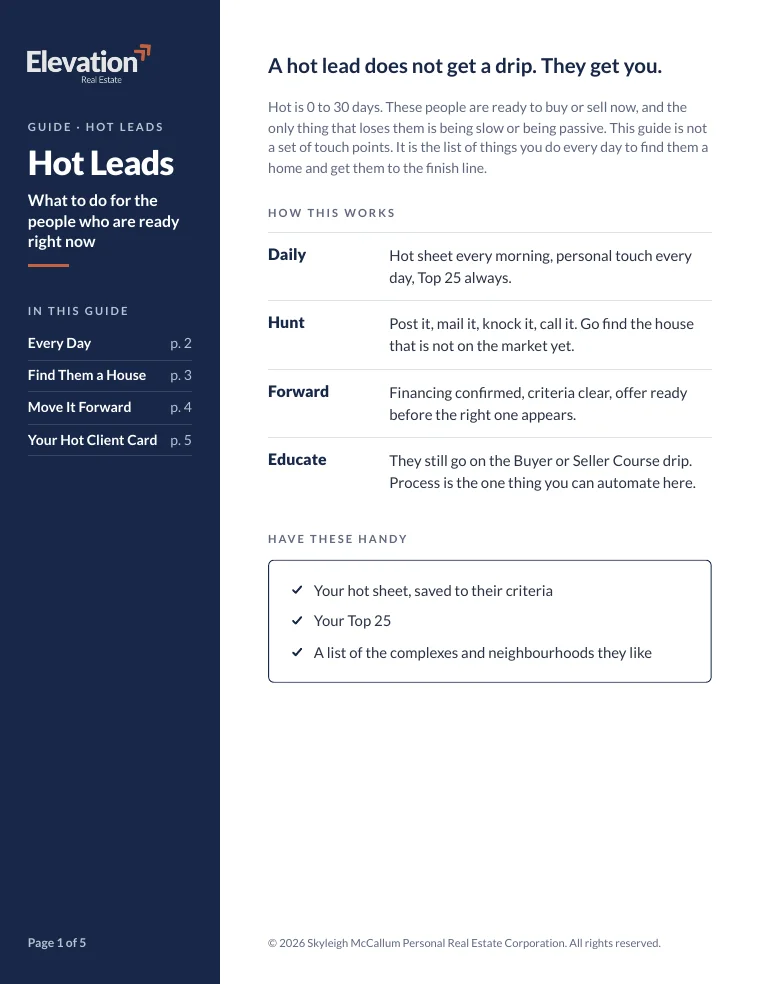
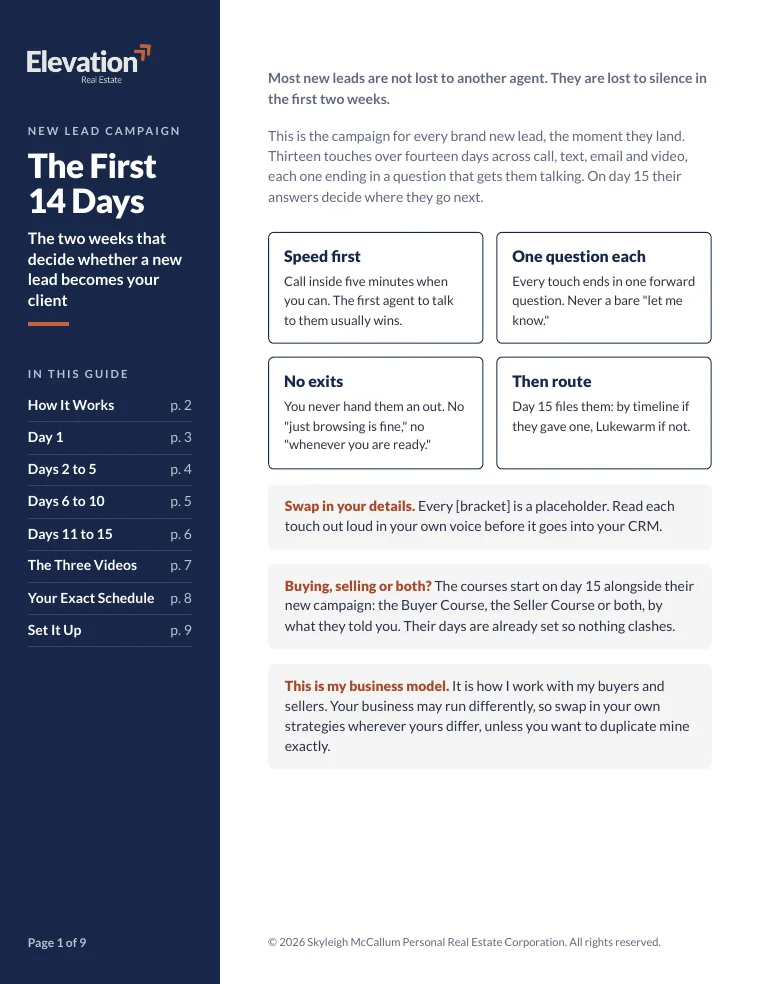
Every new lead starts in the same place. On day 15, their timeline decides which campaign they move into, so nobody gets the wrong message for where they're at. The layering lesson walks you through all of it.
Day 1 to 14
The First 14 Days
Every brand new lead starts here, the moment they land.
13 touches across call, text, email and video
HotTimeline: 0 to 30 days
Hot Leads
My daily playbook. You, every day.
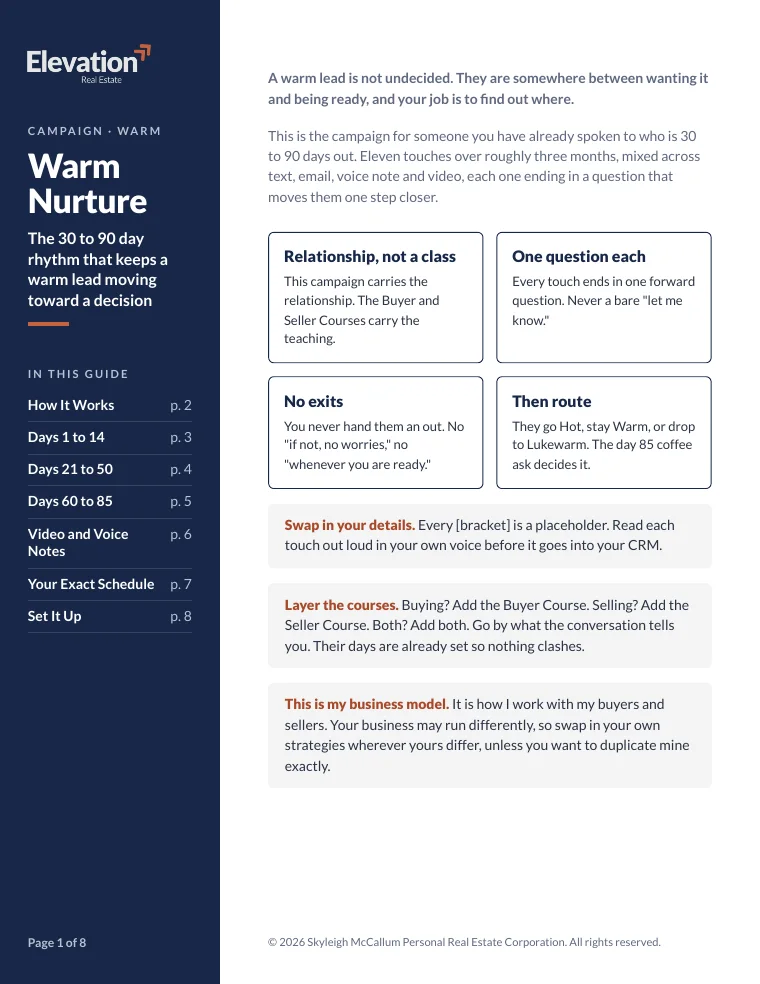
WarmTimeline: 30 to 90 days
Warm Nurture
11 touches over about 3 months
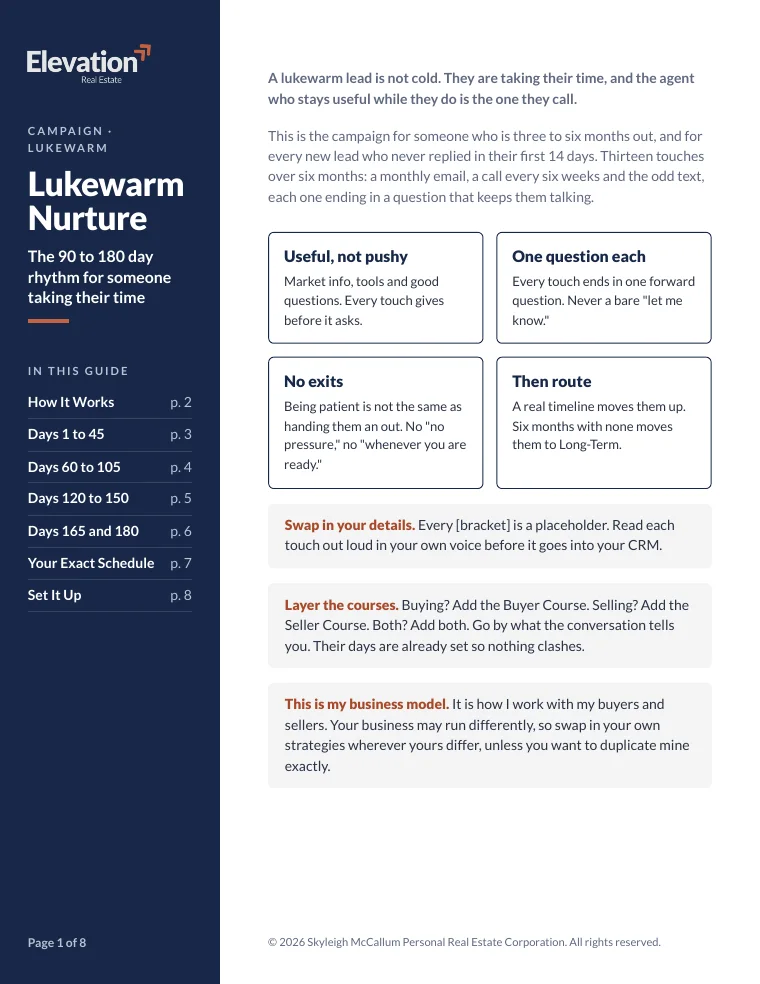
LukewarmTimeline: 90 to 180 days, or no reply
Lukewarm Nurture
13 touches over 6 months
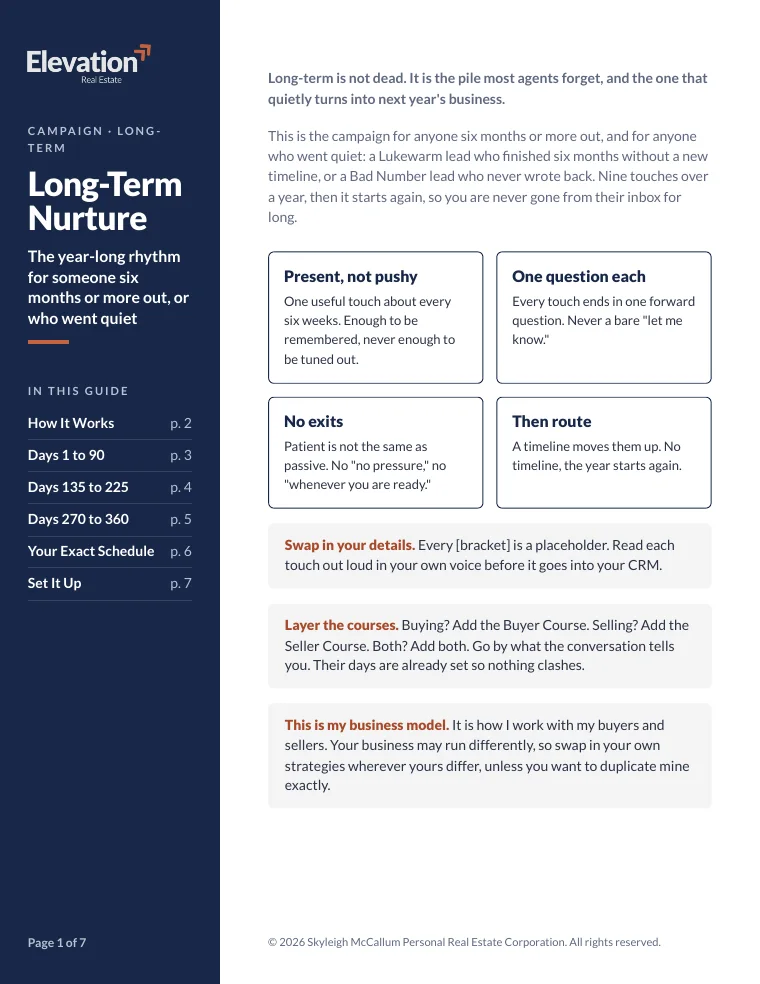
Long-TermTimeline: 6 months or more
Long-Term Nurture
9 touches a year, then it repeats
Running alongside the route
Layered on top from day 15: the Buyer Course or the Seller Course, so by the time they're ready, they already trust how you work.
Checkout add-on
Any dayThe number doesn't work
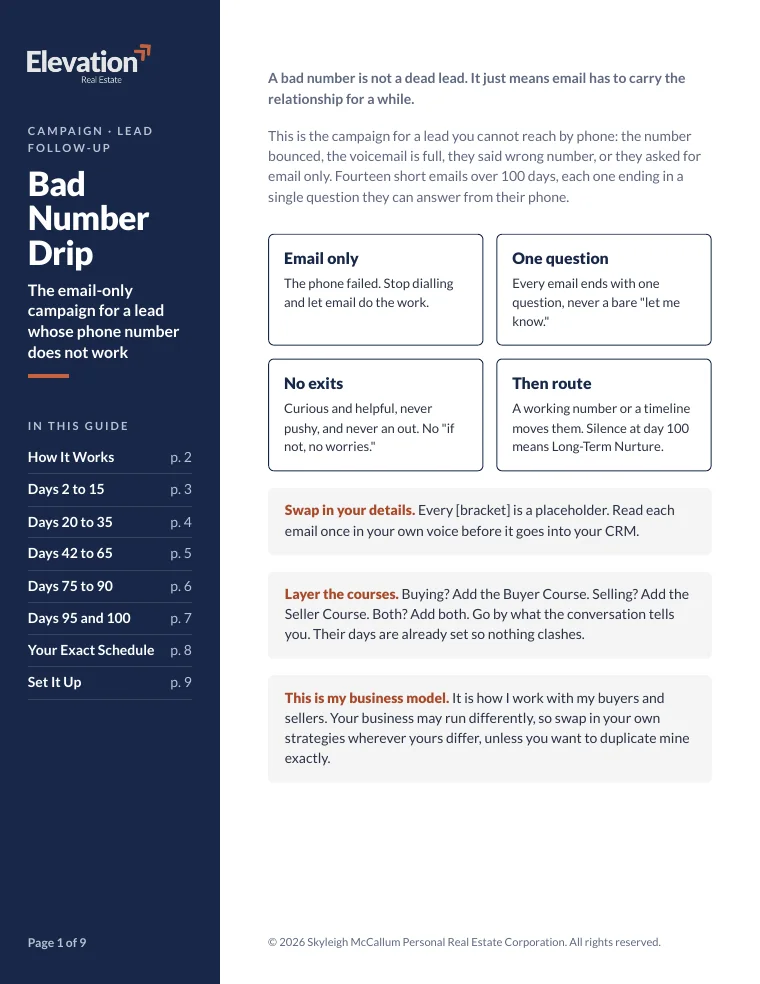
Bad Number Drip
14 short emails over 100 days
Every touch, written out for you
- Words
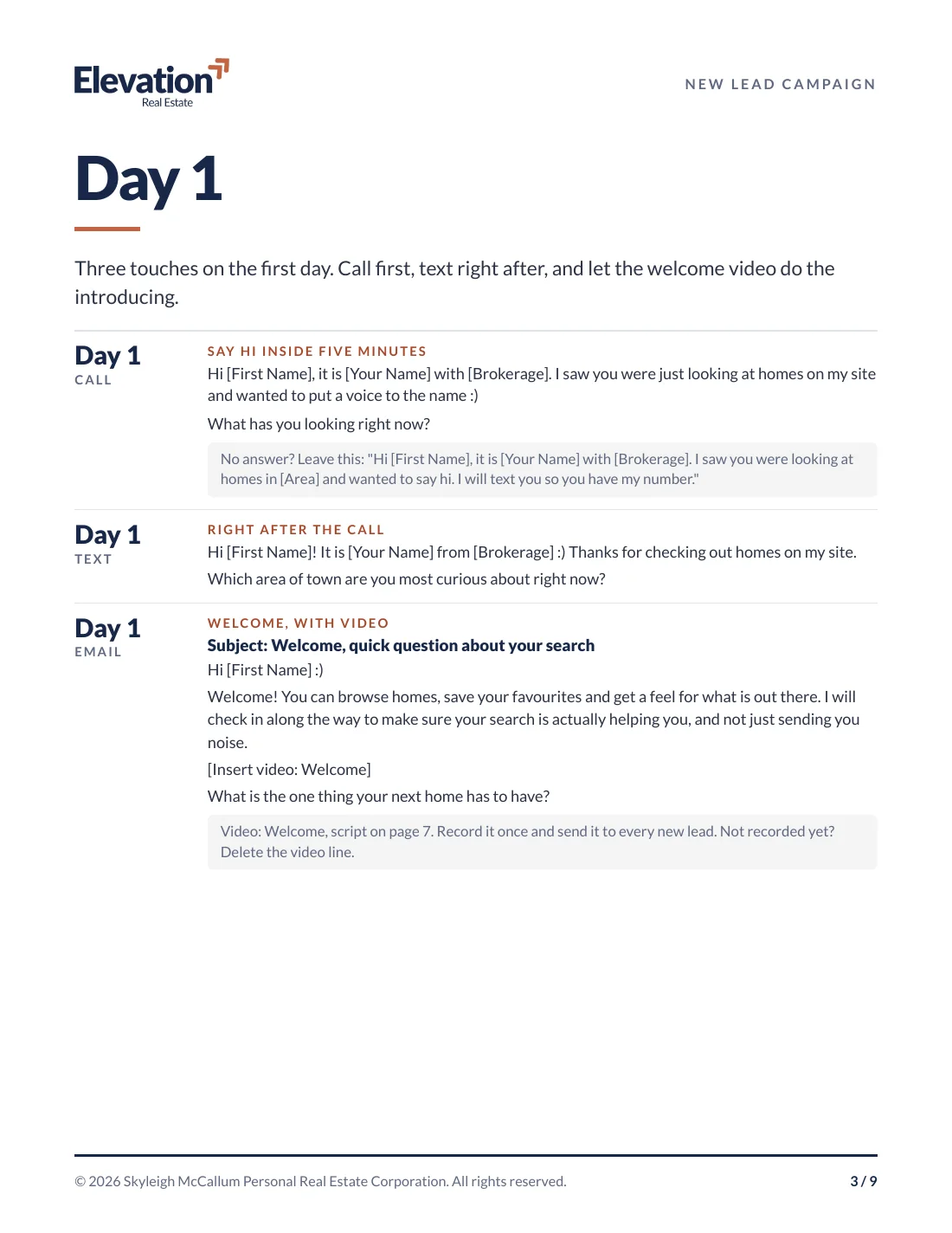
Every call, text and email, word for word
Each one ends with a question that gets them talking. Every [bracket] is a spot for your details.
- Days
The exact day each one goes out
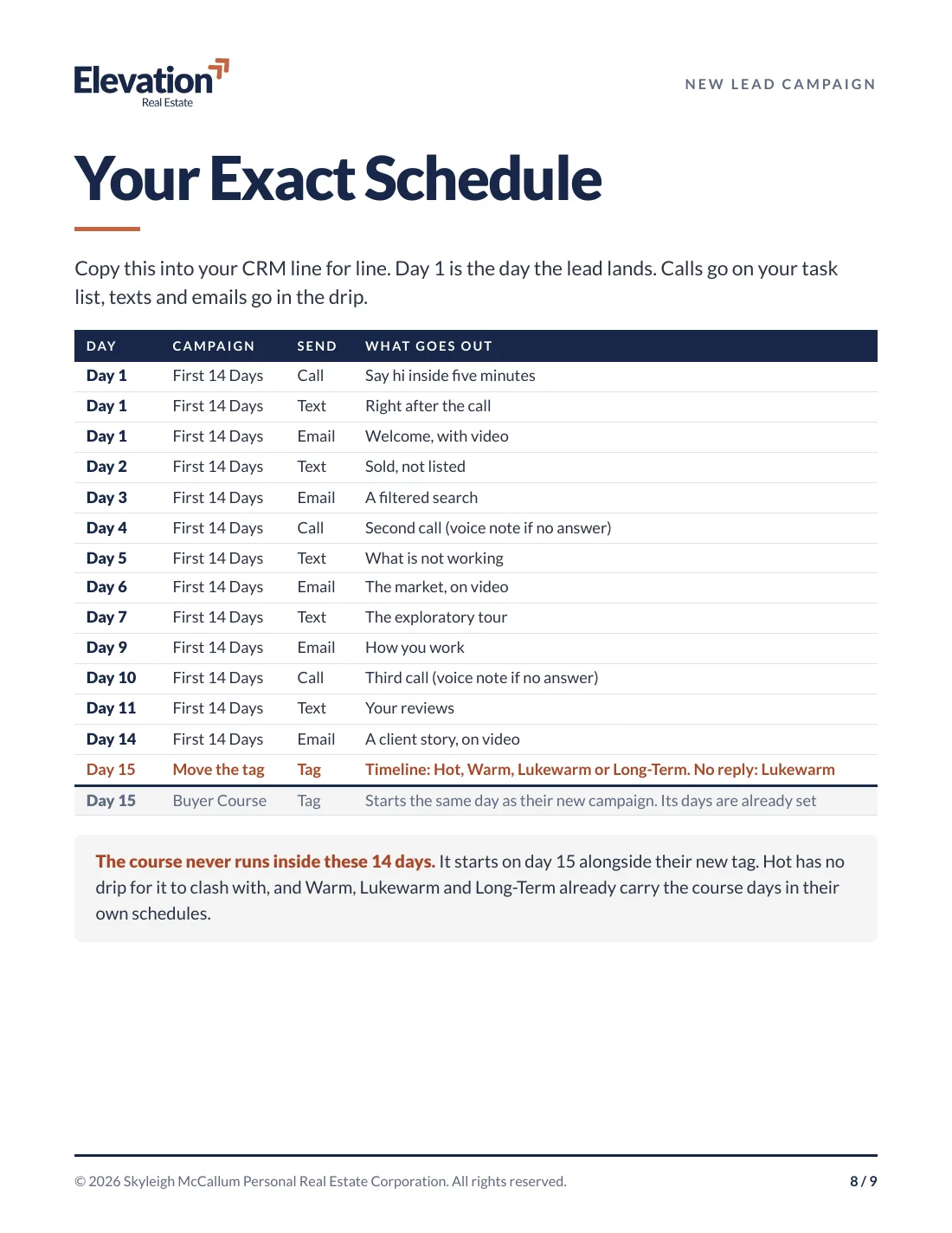
A schedule you copy into your CRM line for line. Texts and emails go in the drip, calls go on your task list.
- Next
Where they go next
When a lead gives you a timeline, you know exactly which campaign they move into.
Rather not copy and paste? The Campaign Installer does it.
It's a Claude plugin, just like CRM Clean-Up. It loads the campaigns into your own CRM word for word, one campaign at a time with your yes, and leaves the start trigger off until you're ready.
Tested on Follow Up Boss. On other CRMs it finds the same pieces, or gives you a build sheet to set it up yourself.
What you need
- A paid Claude plan
- The Claude desktop app
Plus 10 more campaigns, as my gift to you
The rest of my business runs on campaigns too. From the first hello to years after closing, these come with the Vault.
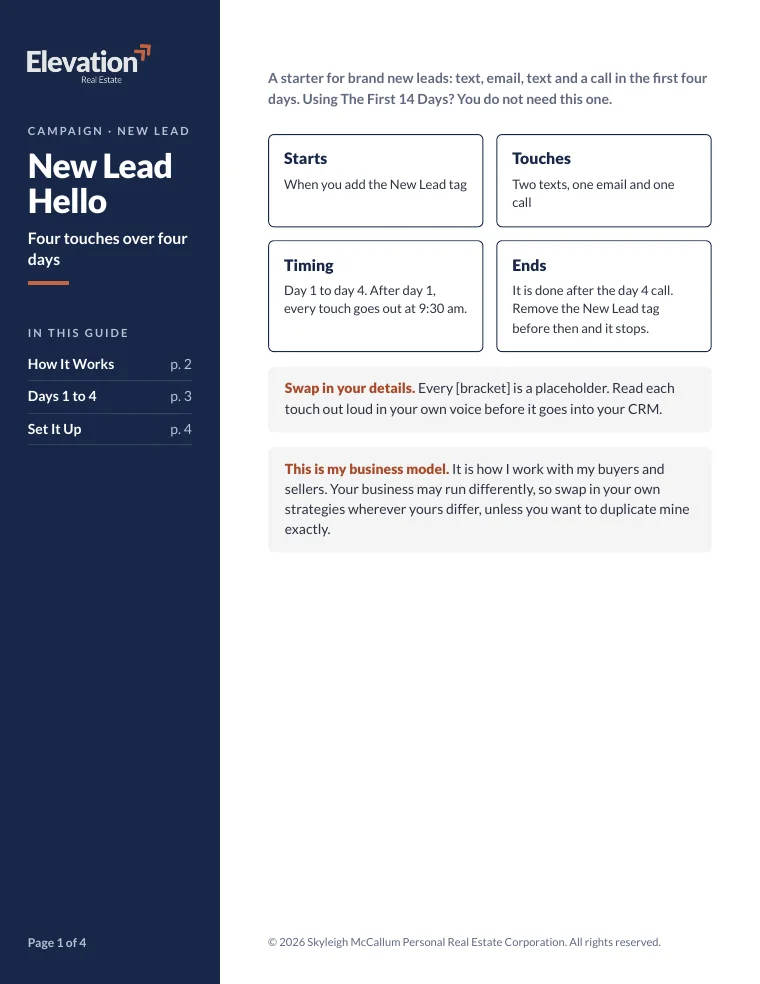
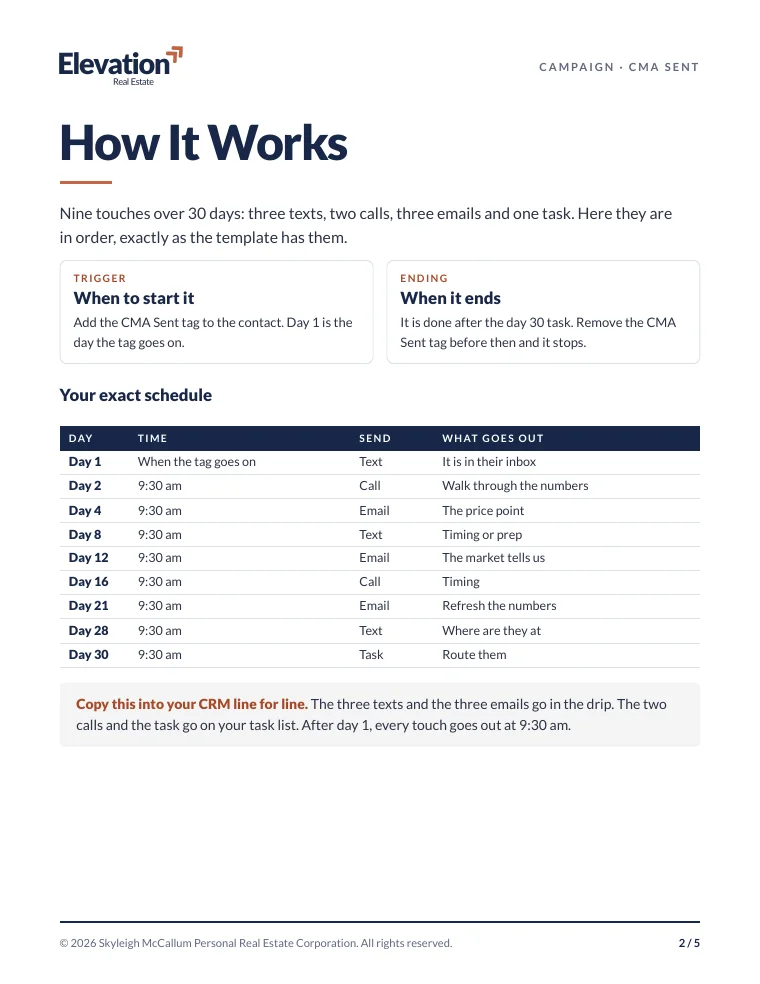
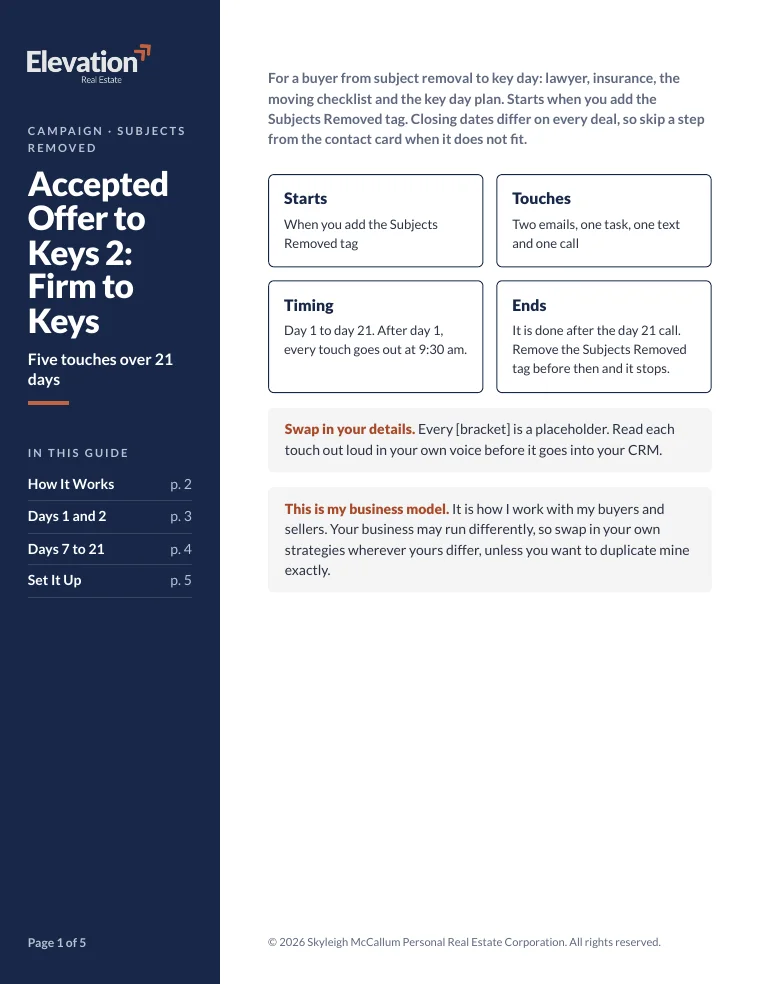
New leads
- New Lead Hello
- Open House Follow-Up
Listings and deals
- CMA Follow-Up
- Accepted Offer to Keys 1 (Subjects)
- Accepted Offer to Keys 2 (Firm to Keys)
After closing
- Just Closed: The First Year
- Past Clients: Year Two and On
- Birthday
Referrals
- Referral Source Check-In
- Realtor Referral Partners
Add the Buyer and Seller Courses at checkout
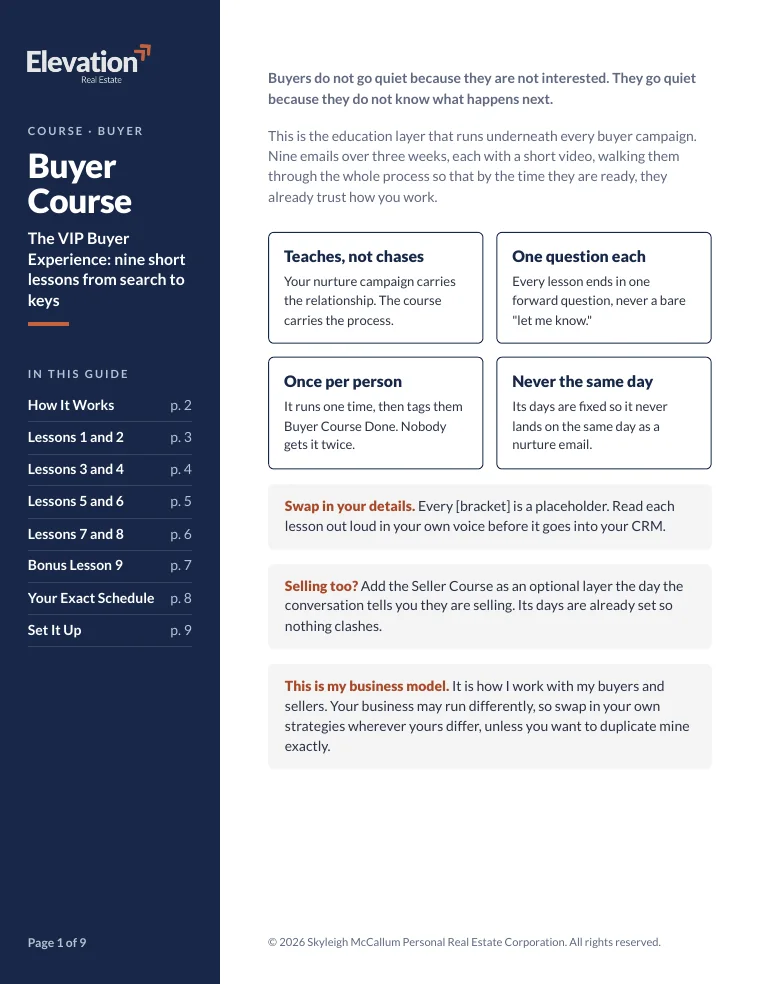
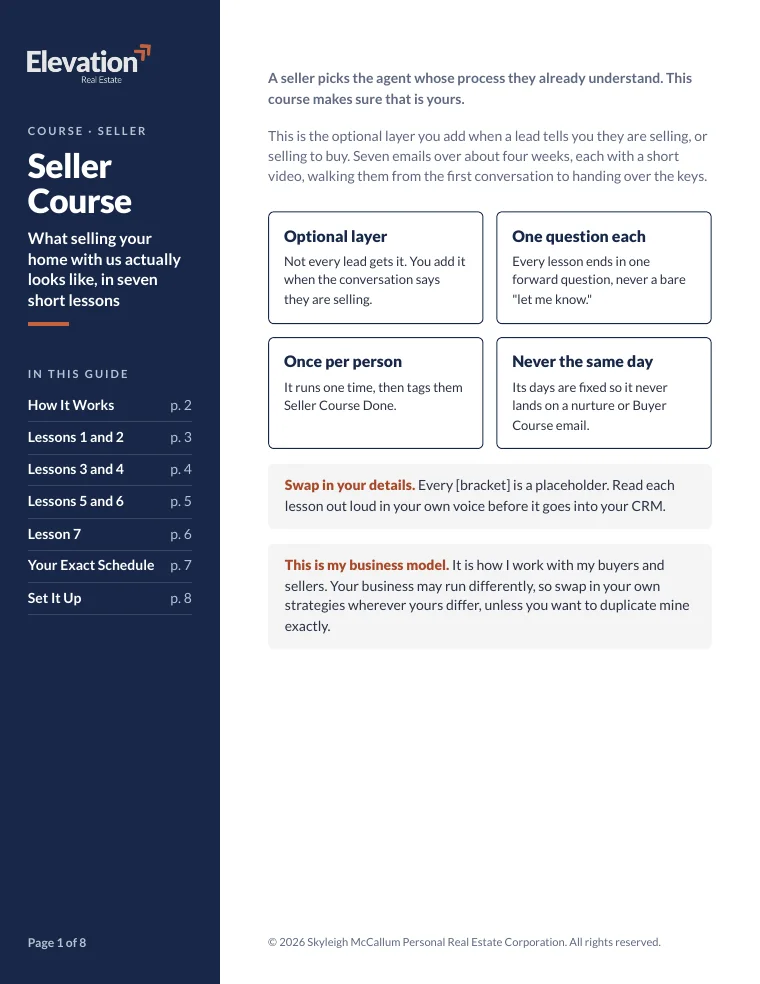
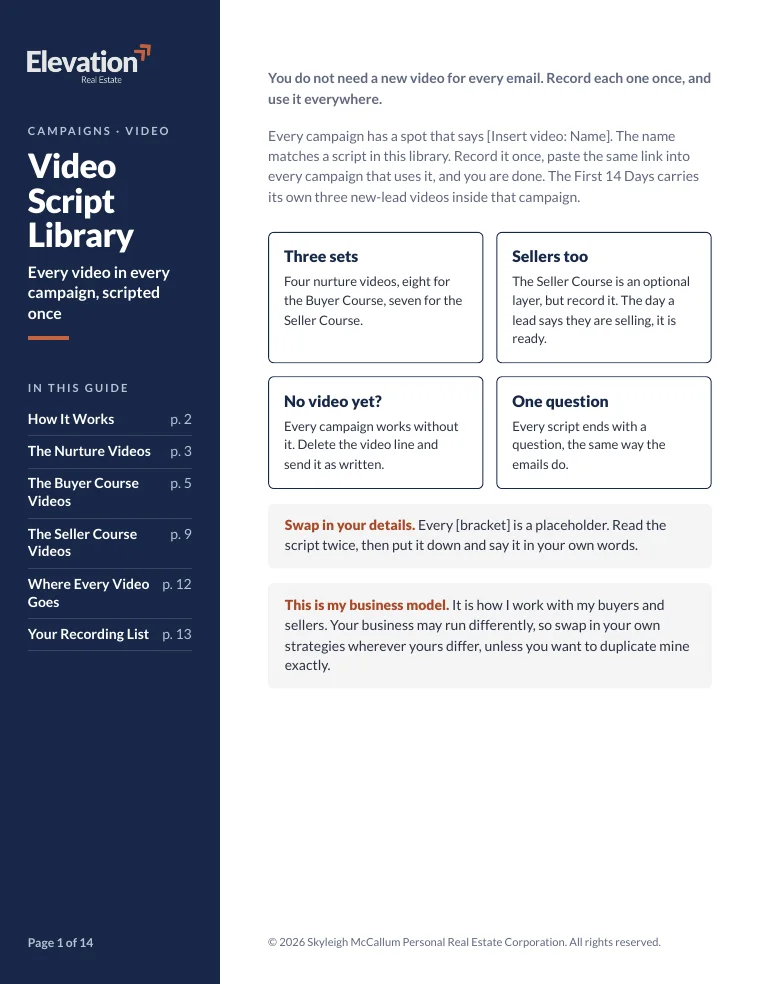
Short video lessons you send your clients through their purchase or sale. Nine for buyers, seven for sellers, so they understand the process because you walked them through it.
It comes with my Video Script Library: 19 scripts, so you know exactly what to say when you hit record.
What agents said on my Build Calls
My Build Calls are free and live. These are from the end of Build Call 4, where we woke up quiet leads together.
Thank you so much, Skyleigh. Lots of value here. I took notes too... just a good reminder to wake up the quiet leads and be on top of it. I love the messaging piece.
That was good, Skyleigh. Lots of stuff. I took down some notes, so I'll go down the rabbit hole later today.
Is this for you?
It's for you if
- Your CRM is full of duplicates, old notifications and people you forgot were in there.
- You have leads in there and no real system for following up with them.
- You'd rather start from the campaigns I actually use than from a blank page.
It's not for you if
- You want it all done without you. You see every change and say yes to each batch.
- You want something that makes the calls for you. The calls are still yours.
- You don't have any leads yet. Start in my free community first.
Questions
Do I need Claude?
Yes. CRM Clean-Up is a Claude plugin, so you need a paid Claude plan and the Claude desktop app. The Campaign Installer works the same way. The campaigns in the Vault are all written out too, so you can always copy them in by hand.
Will it work with my CRM?
Yes. Follow Up Boss, Lofty, BoldTrail/kvCORE, Sierra, even a spreadsheet. Claude gets in through an export file, a connector or your browser, and you sign in yourself. It never asks for your password. It's been tested on a real Follow Up Boss account.
Could it mess up my CRM?
It's built to be careful. Claude saves a backup copy of your contacts before it changes anything. Then it fixes things 20 at a time, only after your yes, and logs every change so it can be undone. It never deletes a contact unless you ask, and it never sends a message to anyone.
Can I buy the Campaign Vault on its own?
It's added at checkout with CRM Clean-Up. They go together because a clean CRM is where the campaigns run. Load great campaigns into a messy CRM and the wrong people get the wrong message.
Do I have to use the campaigns word for word?
No, and I'd actually rather you didn't. Every [bracket] is a spot for your details, and I want you reading each touch out loud in your own voice before it goes in. This is how I run my business, so swap in your own way wherever yours is different.
Where do I get it after I buy?
Inside Elevation Real Estate HQ, my free Skool community. That's where CRM Clean-Up lives, plus the Vault and the courses if you add them.
Your leads are already in your CRM. Let's make sure they hear from you.
- CRM Clean-Up, the Claude plugin
- Who to call this week, up to 10 people with a real reason
- A monthly health check to keep it clean
Add at checkout
- The Campaign Vault+$297 CAD
- Buyer and Seller Courses+$147 CAD
It lives in my free Skool community.

Need a hand? Or eight?
Want help with the follow-up itself? That's Ozzie AI.
He spots who is waiting on you and drafts the follow-up in your voice. Nothing goes to a client until you say yes.
Meet Ozzie AI